About This Photo to Video Animation Maker
A photo video turns a set of pictures into one short film that is easy to post and share. This photo to video maker combines up to 30 photos into an animated video with 30 motion and transition effects, optional captions and background music. Everything happens in your browser, so your photos and music are never uploaded.
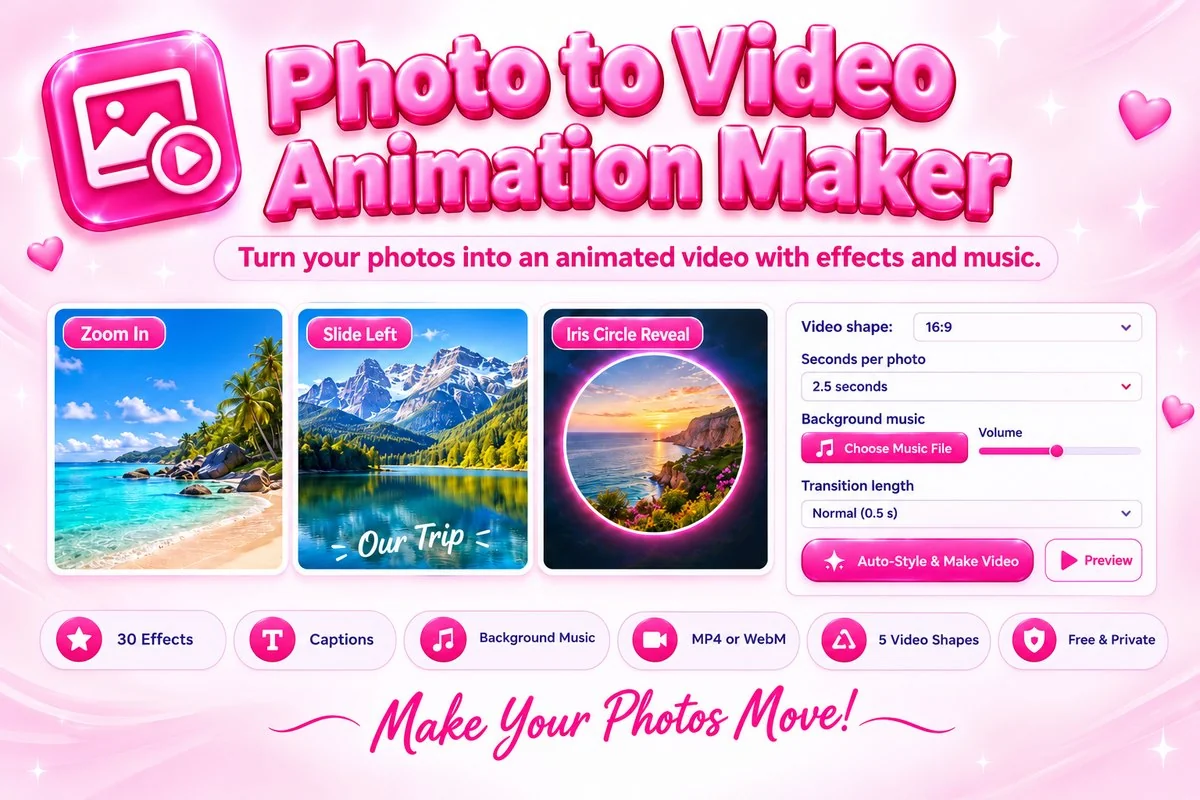
Every photo gets its own effect, such as zooms, pans, slides, wipes, an iris reveal or a cross zoom, and its own crop. Choose the video shape for YouTube, Reels or a feed post, pick blurred, dark, black or white behind photos that do not fill the frame, add captions, preview the result and save it as MP4 or WebM. Auto-Style picks good effects for you in one click.
How to Make a Video from Photos
- Press Add Photos, drop your pictures on the page, or paste them. Choose the video shape and seconds per photo first.
- Press Auto-Style for instant results, or set the Effect, Crop and Caption for each photo yourself and change their order with the arrows.
- Optionally add a music file, then press Preview to check how the video will look.
- Press Make Video and keep the tab open until it finishes. Then play it and press Download Video.
Tips for a Better Video
- Use photos with the same orientation as the video shape for the cleanest result, or keep Crop on Fit with a blurred background so nothing is cut off.
- Give each photo 2 to 3 seconds. Shorter photos feel fast and energetic, longer ones suit captions.
- Keep captions short, and use black text on bright photos and white text on dark ones.
- Large videos take time to record. For a quick test, make a short video with 3 or 4 photos first, then add the rest.
When This Tool Helps
Use it for birthday and wedding slideshows, travel highlights, product showcases, Reels and Stories, and quick presentations for school or work. To shrink the finished file for sharing, use the Video Compressor, or join it with other clips using the Video Merger.
Frequently Asked Questions
Are my photos uploaded to a server?
No. Your photos and music are combined into a video in your browser using the MediaRecorder API and are never uploaded.
Why does making the video take as long as the video?
The browser records the animation as it plays, so a 30-second video takes about 30 seconds to make. Keep the tab open and visible, and use Preview to check the result first.
Can I add music?
Yes. Choose an MP3, WAV, OGG or M4A file up to 15 MB. It loops if the video is longer and fades out at the end. Use only music you have the right to use.
Which video format should I choose?
Best available picks MP4 when your browser can record it, which works almost everywhere. WebM works in browsers and many players, but some phones and editors prefer MP4.
What size should the video be?
Use 16:9 for YouTube, 9:16 for Reels, Shorts and Stories, 1:1 or 4:5 for feed posts. Standard is 720p and HD is 1080p, which makes larger files.
How many photos can I use?
Up to 30 photos of up to 15 MB each, JPG, PNG or WebP. Large photos are scaled to fit the video, so very big pictures do not slow your device down.