Make a Clean Animated GIF From Any Video
Video to GIF Converter turns part of a video into an animated GIF without uploading anything. Pick the exact start and end, choose the width and frame rate, change the speed, play it forward, in reverse or as a boomerang, crop it to a square, add a caption and apply a simple colour effect. The result has no watermark and loops forever or plays once, as you choose.
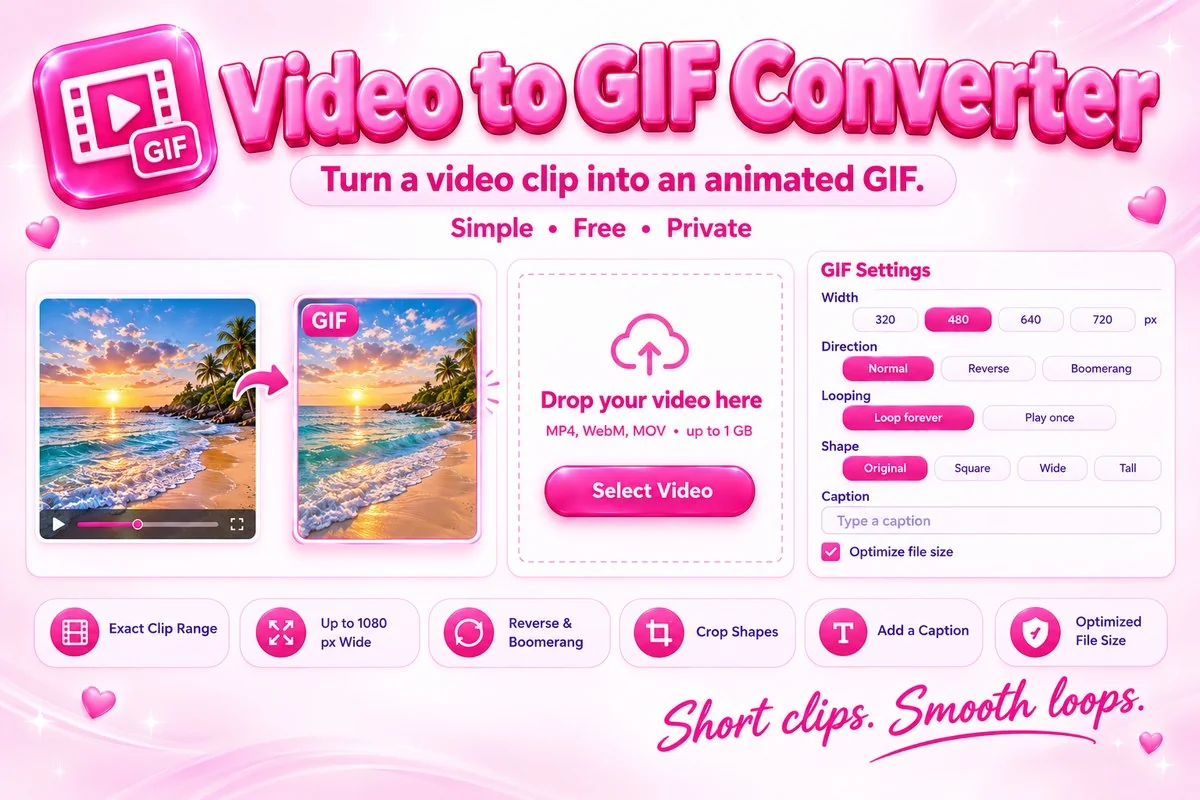
GIF files can grow large, so the tool works to keep them small. It chooses the best 255 colours for your clip instead of using a fixed palette, and it stores only the parts of the picture that change from one frame to the next.
How to Use It
- Select or drop a video. Drag the markers or type times to choose the moment you want, or use Start = Now and End = Now while it plays.
- Set the width, frame rate, speed and direction. Add a caption or a crop if you like.
- Press Convert to GIF and watch the progress bar.
- Check the preview and download the GIF.
Practical Tips
Keep it short. Two to five seconds is ideal. Pick the width to match the use. 320 or 480 pixels suits chats and email, while 640 or more suits websites. Use 10 to 15 frames per second for smooth motion with a modest size, and only go higher for fast action. Leave Optimize file size on unless you need every pixel exact. For flat graphics such as screen recordings, turn dithering off for the cleanest, smallest result.
When It Helps
Use it to make a reaction GIF from a clip, a short demo of an app or product, a looping highlight for social media, or an animated step in a tutorial. It also suits chat apps and emails where a short silent loop works better than a video.