Image Compressor
Make images smaller in seconds. Set a quality level or an exact size in KB, right in your browser.
Free Image Compressor
Upload Images
Drag & drop images here or select files from your device.
JPG, JPEG, PNG, and WebP • Up to 50 images
Compression Settings
PNG is lossless, so only resizing can reduce it. Choose JPG or WebP for the best quality at a small size.
Target mode finds the best quality that stays at or below your chosen size, so the file is never bigger than the limit.
Compressed Images
Compress Images Privately in Your Browser
This tool shrinks JPG, PNG and WebP files so they upload faster, fit email limits and take less storage. Your pictures are processed on your own device and are never sent to a server, which makes it safe for ID photos, documents and personal pictures.
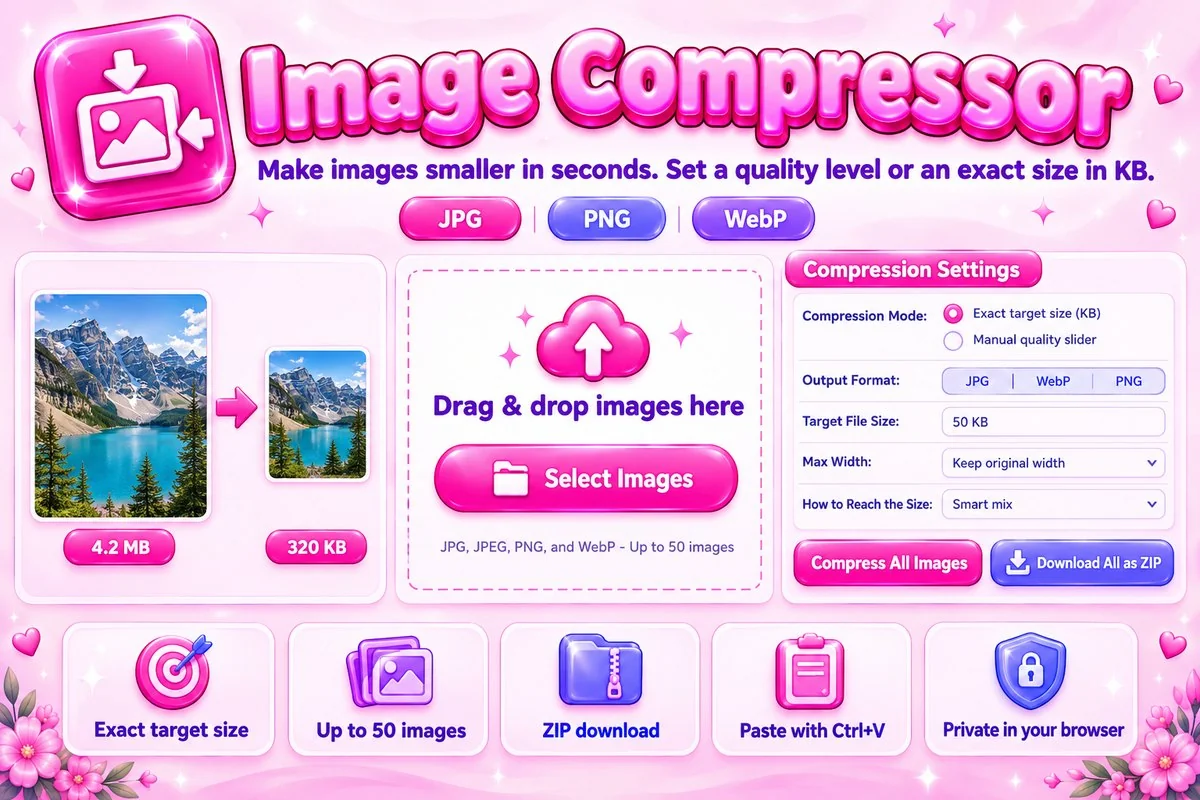
You can either set a quality level yourself or enter the exact file size you need. The second option is handy for online forms that only accept files under a limit such as 20 KB, 50 KB or 200 KB.
How to Compress an Image
- Add your imagesDrag them in, paste from the clipboard or choose files. JPG, PNG and WebP are supported, up to 50 at a time.
- Choose a size or qualityPick a target size in KB or move the quality slider, then select the output format and an optional maximum width.
- Compress and downloadPress Compress All Images, check the before and after sizes, then save files one by one or as a single ZIP.
Tips for Smaller Files Without Visible Loss
Photos compress best as JPG or WebP. Screenshots with flat colors and text may look better as PNG, but they only get smaller if you reduce the width. If a website needs an image shown at 800 px wide, there is no reason to upload a 4000 px original, so set a maximum width first and compress after.
The smart mix strategy balances quality and dimensions. Choose Keep dimensions if the pixel size must stay the same, or Keep quality high if you would rather shrink the picture than soften it.
When Compression Helps
Smaller images load faster on your website, fit inside email attachment limits and pass the file size limits of job portals, exam forms and government sites. They also save phone and cloud storage. For websites, a lighter page usually feels faster to visitors, which is good for them and for you.