About This Meme Generator
A meme is a picture with a short caption that makes people smile or nod in recognition. This meme generator adds top and bottom text to your own photo, with the bold outlined letters people expect, and it all happens inside your browser. Your image is never uploaded, and the finished meme has no watermark.
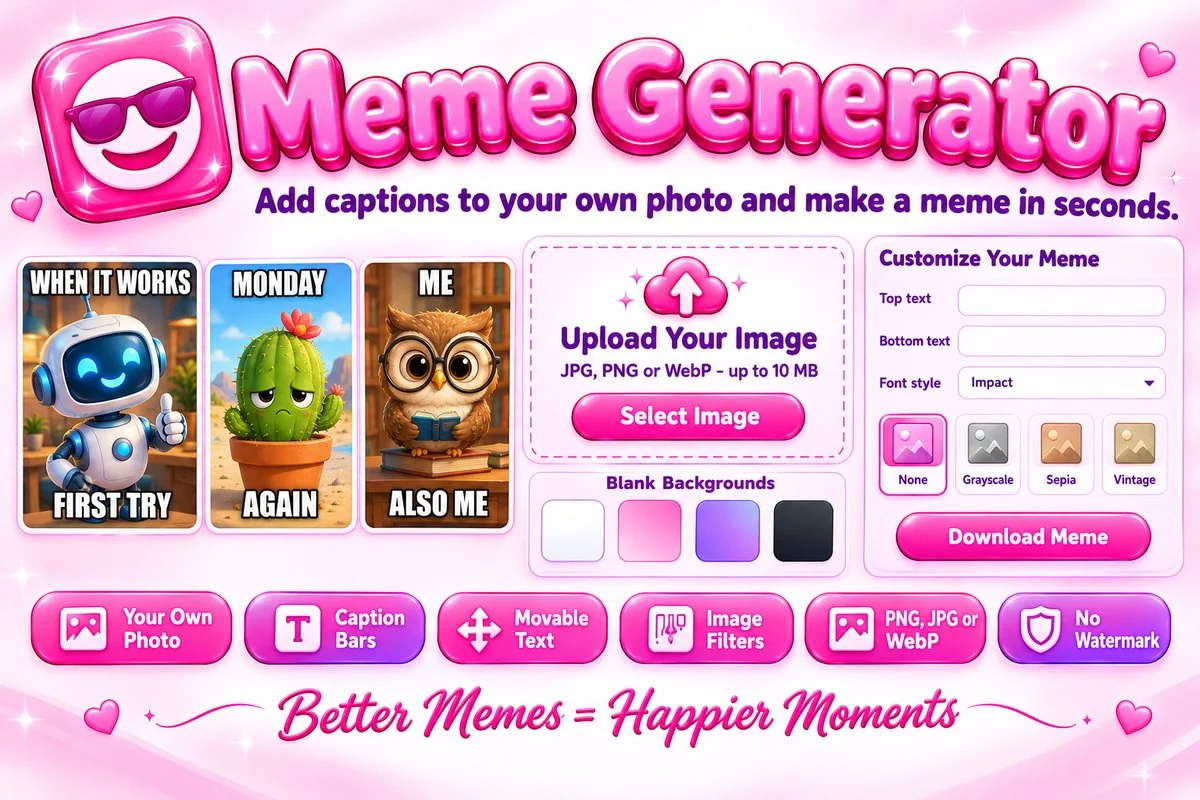
Start from your own picture or from a blank gradient background. Choose the classic text-on-image layout or a caption bar above or below the picture, add an extra piece of text you can drag anywhere, and apply grayscale, sepia or vintage filters with brightness and contrast controls. Download your meme as PNG, JPG or WebP, and copy or share it directly if your device supports it.
How to Make a Meme
- Choose an image, drop it on the page or paste it with Ctrl+V. With no photo handy, pick a blank background instead.
- Type your top and bottom text and pick a layout. Change the font, size, color and outline until it is easy to read.
- Add an optional filter, then use brightness, contrast or flip if the picture needs it. Drag the extra text where you want it.
- Choose a format and size, then press Download Meme, or copy or share the image.
Tips for a Better Meme
- Keep captions short. Two or three words per line read faster than a long sentence.
- Use white text with a black outline on busy photos. On plain or light backgrounds, a caption bar with black text is cleaner.
- Crop the picture to the part that matters first with the Image Cropper. A tighter picture makes the joke land faster.
- Only use pictures you own or have permission to use. Memes made from other people's photos can still be protected by copyright.
When This Tool Helps
Use it for jokes in group chats, class or team announcements, social posts and quick reaction images. It is also handy for adding a caption to an event photo. To put your name or brand on the result, try the Image Watermark Adder.
Frequently Asked Questions
Is my photo uploaded to a server?
No. The meme is drawn in your browser with the Canvas API, so your image never leaves your device.
Does this tool have ready-made meme templates?
No. It does not include famous meme pictures. You can upload your own image or start from one of the blank backgrounds and add your captions.
Is there a watermark on my meme?
No. The downloaded image contains only your picture and your text.
Can I change the font, size and colors?
Yes. Choose a font, bold or italic, the text size, a text color and an outline color, and switch uppercase on or off.
What file types can I use?
You can upload JPG, PNG or WebP images up to 10 MB and save the meme as PNG, JPG or WebP at the original size or a smaller width.
Why does the Impact font look different on my phone?
The tool uses fonts already installed on your device. If Impact is missing, it falls back to a similar bold font, so the look can vary slightly.