Fancy Text Generator
Use this free fancy text generator to turn your name into 100+ stylish designs with colors, symbols above and below, and Free Fire name styles.
Free Fancy Text Generator
Your Text
Front and Back Symbols
Line Above and Below
Symbol Palette (250+ symbols)
Color Studio
Selected style: Plain. Press Design as image on any card to change it.
Free Fire Name Ideas
Mixes frames, styles and symbols from 0 possible combinations. Some symbols may be refused by the game, so test a name before you commit.
All Text Designs (0)
Type a name above to see your designs.
About This Fancy Text Generator
This fancy text generator changes ordinary letters into stylish text that you can copy and paste into bios, chats, captions and game names. Type a name once and more than 100 versions appear at the same time, from bold and script to gothic, circled, square and small caps. Your text is converted inside your browser and is not sent anywhere.
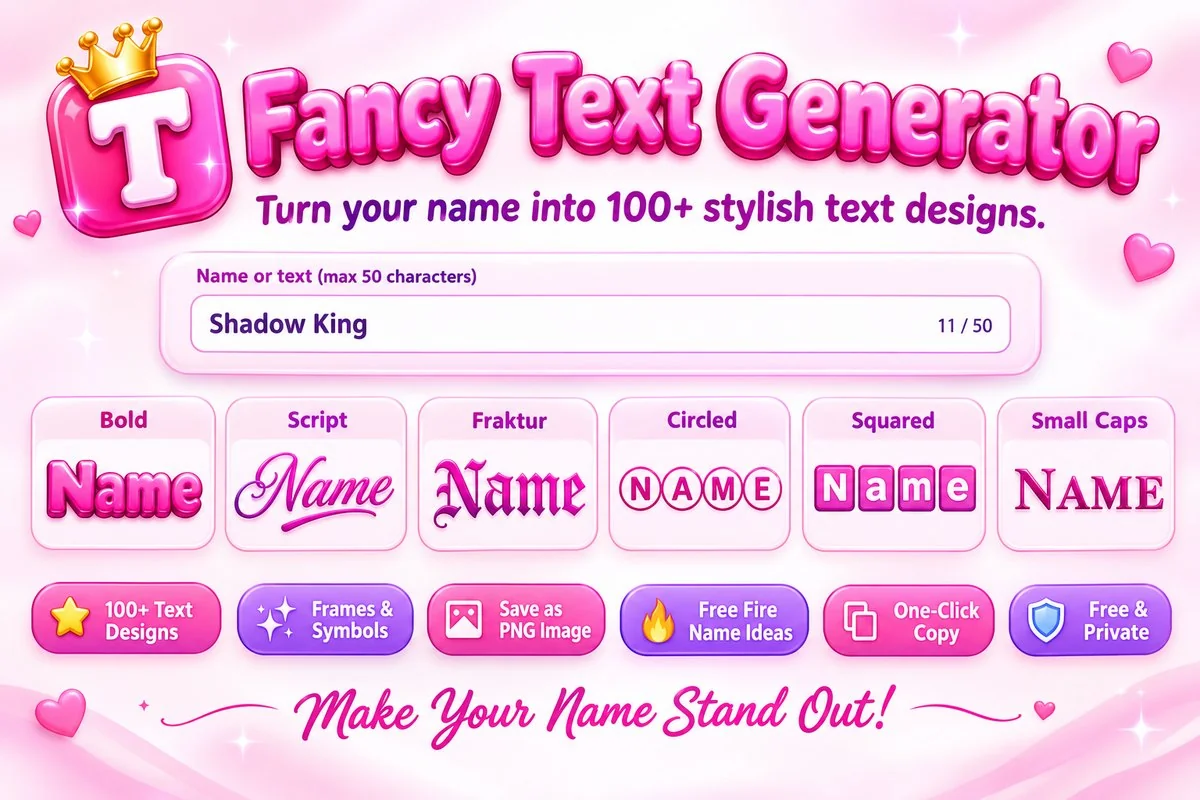
Besides changing the letters, you can place symbols in front of and behind the name, add a line above and below it and choose from more than 250 symbols in the palette. If you want color, open any design in the image studio and download it as a PNG, because plain text cannot hold color once you paste it. A character counter and a Copy All Shown button help you work faster.
How to Make Fancy Text
- 1
Type your name or a short line in the text box, or press Use Example to see how the styles look.
- 2
Add a frame, symbols and a line above or below. The list of designs updates as you change each setting.
- 3
Press Copy on the style you like and paste it into your bio, chat, caption or game name field.
- 4
For color, press Design as image on a card, choose a gradient or your own colors, and press Download PNG.
Tips and Limits
- Not every app accepts every character. Free Fire allows only a limited set of symbols, so test a style in the exact app first and remove one symbol at a time if a name is refused.
- Some styles depend on fonts that a phone may not have, which shows up as empty boxes. Each app also draws Unicode in its own font, so the same text can look different on Instagram, WhatsApp and Discord.
- Keep it short. One frame and one line look cleaner and are easier to read than a name packed with symbols.
- Screen readers may read styled letters as math symbols, so avoid fancy text for phone numbers, addresses or links.
When This Tool Helps
Use it to style an Instagram or TikTok bio, a gaming nickname for Free Fire or PUBG, a Discord name or a channel description. The PNG download makes a quick text logo for a clan, a banner or a thumbnail. To put your styled text on a picture, try the Meme Generator.
Frequently Asked Questions
What is fancy text?
Fancy text is made of Unicode characters that look like styled letters. Because it is real text, you can copy and paste it into most apps.
Is this generator free and private?
Yes. It is free with no sign-up, and your text is converted in your browser. It is not uploaded or stored.
Will these styles work as a Free Fire name?
Some will and some will not. Free Fire accepts only a limited set of symbols, and the list can change after an update, so test a style in the game and remove symbols one at a time if a name is refused.
Is there a length limit for the name?
This tool accepts up to 50 characters. Games and social apps set their own limits, which are often shorter.
Why do some letters show as empty boxes?
Every phone and computer has its own fonts. If a device lacks a font for a character, it shows a box. Try a different style or a simpler symbol.
Can I add color to the text I copy?
Plain text cannot hold color, so pasted text takes the color of the app. Use Design as image to download a colored PNG instead.