About This Image Watermark Adder
A watermark puts your name, brand or logo on a picture so people know where it came from. This image watermark adder lets you add text or a logo to a single photo or to a whole batch, then download the results at their original size. Everything runs inside your browser, so your photos and logo are never uploaded.
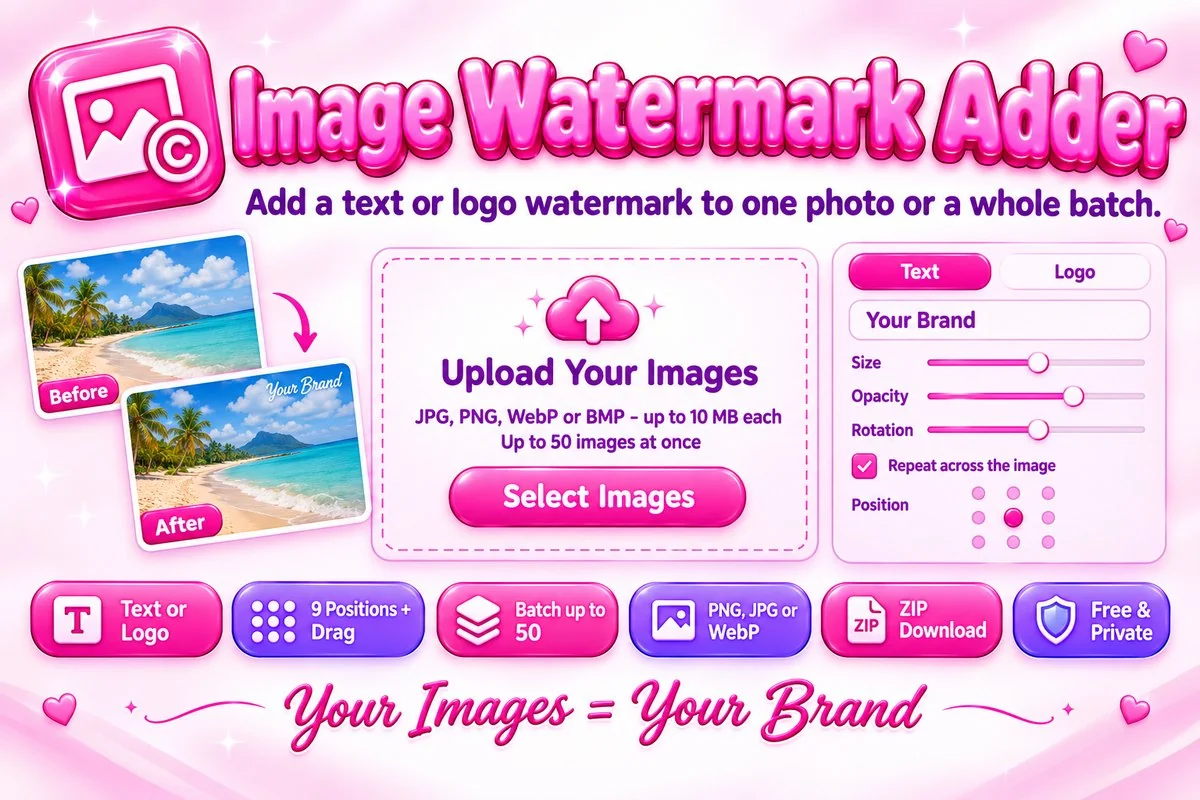
You can pick a font, color and soft shadow for text, or upload a logo. Set the size, opacity and rotation, choose one of nine positions or drag the mark anywhere on the preview, and repeat it across the whole image if you want stronger protection. Save the finished images as PNG, JPG or WebP, one by one or as a ZIP file.
How to Add a Watermark
- Select your images, drop them on the page or paste them with Ctrl+V. You can add up to 50 at once.
- Type your watermark text, or open the Logo tab and choose your logo file.
- Adjust size, opacity, rotation and position, or drag the mark in the preview. Tick Repeat across the whole image for a pattern.
- Choose PNG, JPG or WebP, then download the selected image or press Download All for a ZIP file.
Tips for a Good Watermark
- Keep it readable but not distracting. An opacity of 40 to 70 percent with a soft shadow works on most photos.
- Place a single mark where it is hard to crop, such as over a busy part of the photo. Use the repeat option when you need stronger protection.
- Use a PNG logo with a transparent background so no white box appears around it.
- Save as PNG for the best quality, or JPG and WebP when you need smaller files. Run the results through the Image Compressor if they are still too large.
When This Tool Helps
Use it before you post photography, product pictures or artwork online, or when you send a preview to a client who has not paid yet. Shop owners can brand a whole product catalog in one go. If your pictures are too big afterwards, try the Image Resizer.
Frequently Asked Questions
Are my photos uploaded to a server?
No. The watermark is drawn on your images in your browser with the Canvas API, so your photos and logo never leave your device.
Can I watermark many images at once?
Yes. Add up to 50 images, up to 10 MB each. The same watermark settings are applied to all of them, and you can download them together as a ZIP file.
Can I use my own logo?
Yes. Open the Logo tab and choose a PNG, WebP or JPG file. A PNG with a transparent background gives the cleanest result.
How do I stop someone from cropping the watermark out?
Turn on Repeat across the whole image. The mark is then tiled over the entire photo, which is much harder to remove than a single corner stamp.
Which formats can I use?
You can add JPG, PNG, WebP or BMP images and save the results as PNG, JPG or WebP. Results keep the original pixel size of each image.
Is a watermark enough to protect my work?
A watermark discourages casual copying, but it cannot stop determined misuse. Keep your original files and share only watermarked versions online.