About This Text Diff Checker
A diff checker shows what changed between two versions of a text. Paste the original on the left and the changed text on the right, press Compare, and every added and removed piece is highlighted. The comparison runs inside your browser, so your drafts, contracts and code are never uploaded.
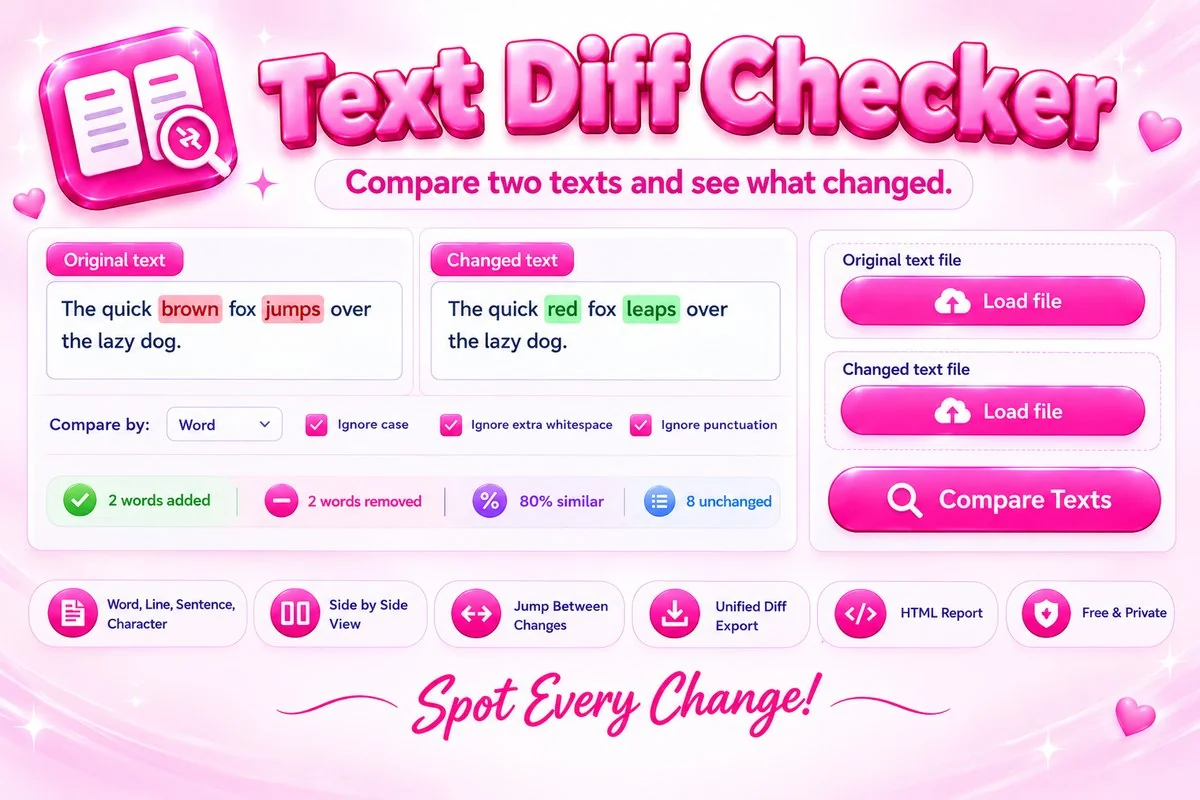
You can compare word by word, line by line, sentence by sentence or character by character, and ignore differences in case, spacing or punctuation. View the result inline, side by side with line numbers, or as a short list of changes, jump from one change to the next, and export it as a unified diff or an HTML report.
How to Compare Two Texts
- Paste your original text on the left and the changed text on the right, or press Load file to open a text file.
- Choose how to compare. Word is best for writing, Line for code and lists, and Character for spotting typos.
- Press Compare Texts, or tick Compare as I type for instant results. Switch between Inline, Side by side and Changes list.
- Use Previous and Next to jump between changes, then copy the result or download it as a diff or HTML report.
Tips for Clear Results
- Use Line mode for code, config files and lists. It keeps each line together and shows small edits inside changed lines in the side by side view.
- Turn on Ignore extra whitespace when texts were copied from different programs and spacing does not match.
- For long documents, compare by Line or Sentence first, then switch to Word mode on the part that changed.
- Check the similarity score. A low percentage means the two texts are mostly different, so a diff may be less useful than reading them separately.
When This Tool Helps
Use it to check what an editor changed in your article, compare two drafts of a contract, find the difference between two versions of a config file, or spot what changed in a copied list. If your text is stuck inside a picture, get it out first with the Image to Text (OCR) tool.
Frequently Asked Questions
Is my text uploaded to a server?
No. Both texts are compared in your browser with JavaScript. Nothing is sent anywhere, so it is safe for drafts, contracts and code.
What is the difference between word, line, sentence and character mode?
Line mode compares whole lines, which suits code and lists. Word mode compares words and is easiest to read for prose. Sentence mode finds changed sentences, and character mode finds single-letter edits such as typos.
Can I ignore case, spacing or punctuation?
Yes. Tick Ignore case, Ignore extra whitespace or Ignore punctuation, and differences that are only about those things are not shown.
How large can the texts be?
Each side can hold up to 500,000 characters (50,000 in Character mode). You can also load text files up to 1 MB. Texts that are completely different may be too slow to compare, and the tool will tell you.
Can I save or share the result?
Yes. Copy the result as text, copy or download it as a unified diff that works with developer tools, or download a standalone HTML report.
Which files can I load?
Plain text files such as TXT, MD, CSV, JSON, HTML, CSS, JS, XML, YAML and LOG. Word and PDF files are not supported, so copy their text and paste it in.