About This Favicon Generator
A favicon is the small icon shown in browser tabs, bookmarks and history, and it helps people recognize your site at a glance. This favicon generator builds the whole icon set from a single image, a letter or an emoji, so you do not have to resize anything by hand. Everything happens inside your browser, which means your logo is never uploaded to a server.
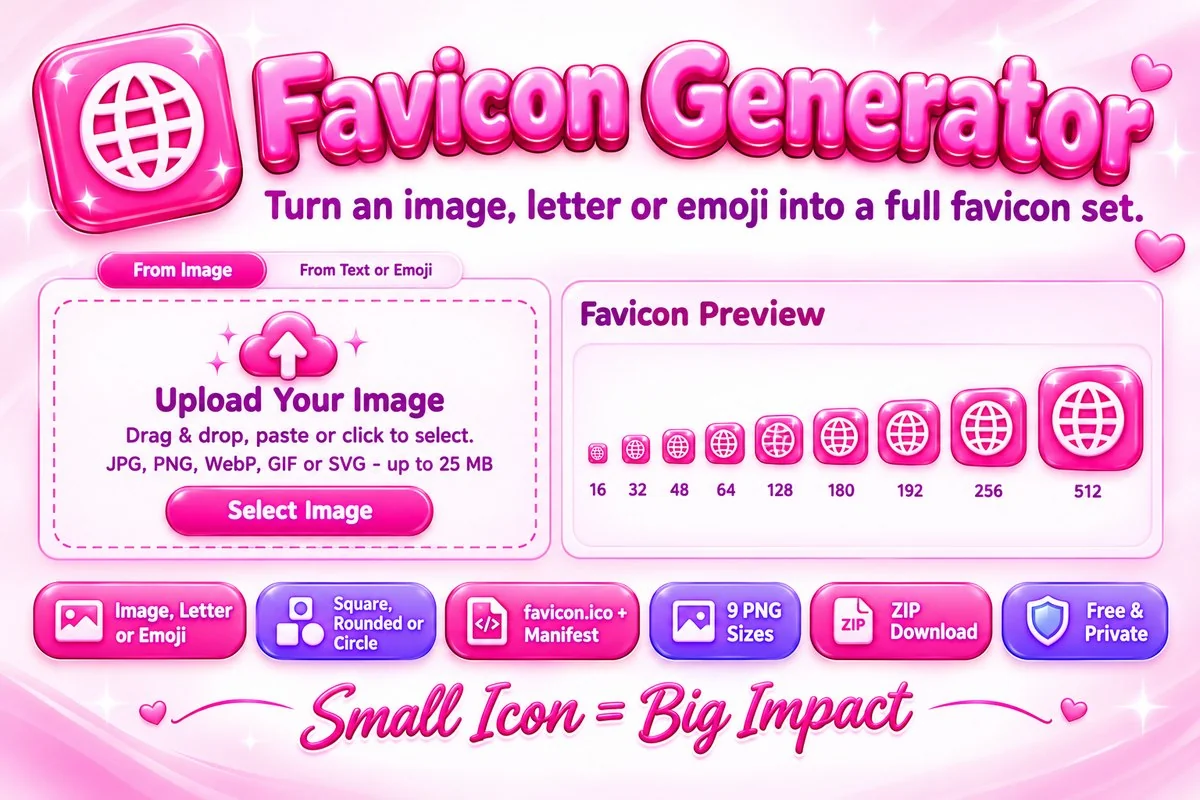
The download includes nine PNG icons from 16 to 512 pixels, an Apple touch icon, a favicon.ico file that holds the 16, 32 and 48 pixel versions, a site.webmanifest file and the HTML tags that connect them. You can choose a square, rounded or circular shape, add padding, set a background color and watch a browser tab preview while you work.
How to Create a Favicon
- Choose an image, drop it on the page or paste it with Ctrl+V. With no logo yet, open the From Text or Emoji tab and type up to three characters.
- Pick a shape, a fit mode, padding and a background. Check the small previews and the tab mockup to make sure the icon is still clear at 16 pixels.
- Press Download Everything for a ZIP, or download favicon.ico and single PNG files one at a time. Need another size? Enter it in the custom size box.
- Upload the files to the root of your website and paste the copied tags into the head of your pages.
Tips for a Clear Favicon
- Start with a square image of at least 512 pixels. Wide logos with small lettering become unreadable in a tab, so crop to the symbol with the Image Cropper or choose Fit whole image.
- Keep the design bold and simple. A single letter or shape survives at 16 pixels, while fine detail does not.
- Google asks for a square favicon whose size is a multiple of 48 pixels, such as 48 or 192. Both are included.
- The Apple touch icon always gets a solid background, because iPhones fill transparent areas with black.
When This Tool Helps
Use it when you launch a new website, change your logo or build a web app that needs a home screen icon. Developers can drop the ZIP into a project's public folder, while bloggers and shop owners can start with a letter or emoji until they have a proper logo. If your logo sits on a messy background, clean it first with the Image Background Remover and bring it back here.
Frequently Asked Questions
Is my image uploaded to a server?
No. The icons are created in your browser with the Canvas API, so your image stays on your device.
Which files do I get?
Nine PNG icons from 16 to 512 pixels, favicon.ico, site.webmanifest and a text file with the HTML tags, all in one ZIP. You can also download single files.
How do I add the favicon to my site?
Upload the files to the root folder of your site, which is the public folder in most Vercel or GitHub projects, then paste the copied tags into the head of your pages.
What size does Google need for a favicon?
Google asks for a square favicon in a multiple of 48 pixels, such as 48 or 192, at a stable URL that crawlers can reach.
Can I make a favicon without a logo?
Yes. Open the From Text or Emoji tab, type up to three characters, choose a color and a background, and download the same set of files.
Why does my old favicon still show?
Browsers keep favicons in cache for a long time. Hard-refresh the page, open it in a private window or clear the site data.