Convert Images Between JPG, PNG and WebP
Different websites, apps and print services want different image formats. This converter changes the format of your pictures on your own device, so there is no upload, no account and no waiting for a server.
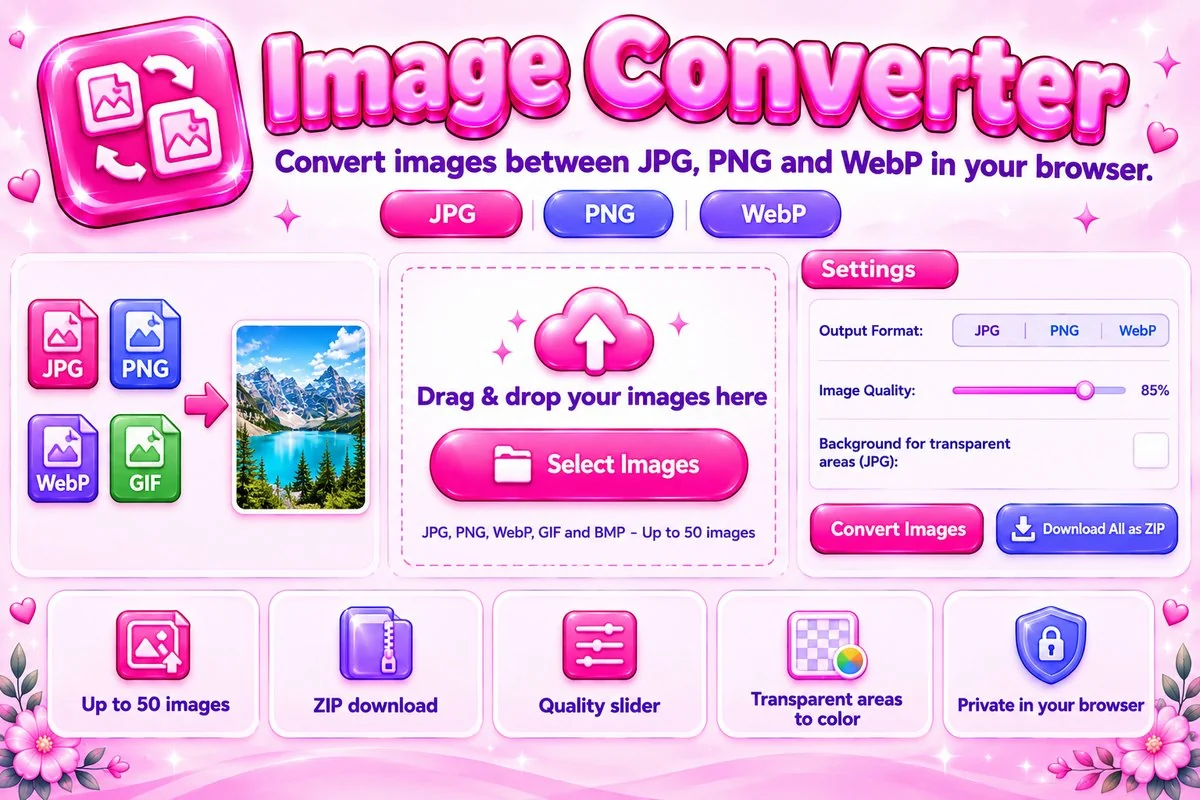
How to Convert an Image
- Add your imagesSelect files, drag them in or paste from the clipboard.
- Pick the output formatChoose JPG, PNG or WebP, then set quality and, for JPG, the background color for transparent areas.
- Convert and downloadPress Convert Images, then download each file or all of them as a ZIP.
Which Format Should You Pick?
JPG is the safest choice for photos and works almost everywhere. PNG keeps sharp edges, text and transparency without any loss, but files are larger. WebP usually gives the smallest file for the same look and also supports transparency, which makes it a good option for websites.
Converting from a lossy format such as JPG to PNG will not restore detail that was already lost, it only stores the current pixels without further loss. If you need smaller files, convert to WebP or use the Image Compressor afterwards.
When You Need to Convert
Some upload forms accept only JPG, some design tools prefer PNG for transparency, and websites often serve WebP to save bandwidth. Converting also helps when a phone or camera saves pictures in a format your other software does not open. If you need a PDF instead, use the Image to PDF tool linked below.