Image Metadata & EXIF Viewer
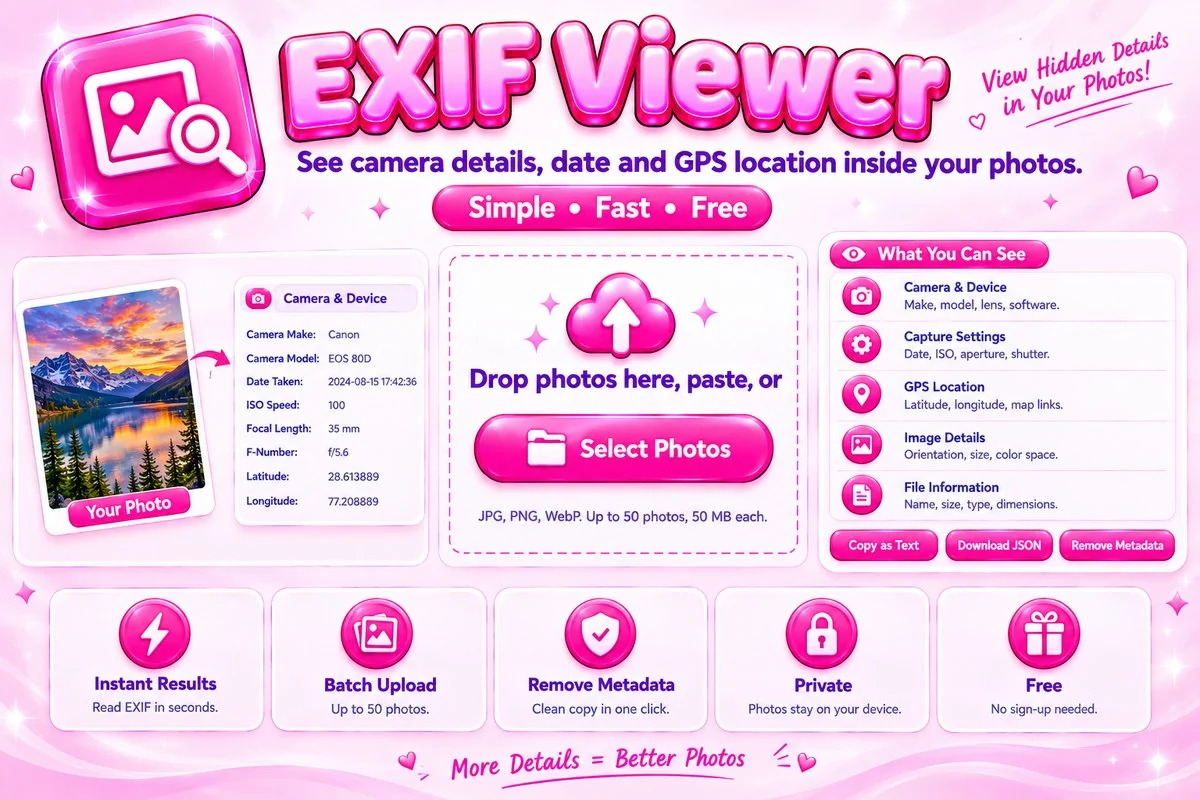
See the camera settings, date and location data stored inside your photos, free and right in your browser.
Drop photos here, paste, or
JPG, PNG and WebP, up to 50 photos at a time (50 MB each). JPEG photos from a camera or phone show the most data.
Read the Hidden Details Inside Your Photos
Almost every photo from a phone or camera carries a block of extra information called EXIF metadata. It can include the camera and lens, exposure settings such as aperture, shutter speed and ISO, the exact moment the picture was taken and, if location services were on, the GPS position. This viewer reads that block right in your browser, so your photos never leave your device.
How to Check a Photo’s EXIF Data
Add your photos
Select, drag in or paste up to 50 images. Each one appears in the list.
Pick a photo
Tap a name to see its camera, capture and location sections. Use the filter box to find a field fast.
Export or clean
Copy the details, save them as JSON, or download a copy with all metadata removed.
Tips for Reading and Cleaning Metadata
- JPEG files straight from a camera or phone hold the most data. Screenshots and many downloaded images hold little or none.
- Check the GPS section before posting a photo of your home, school or workplace. Messaging apps often strip location, but not every site does.
- The clean copy is drawn again from the visible pixels, so a JPEG is saved a second time with high quality and its file size can differ slightly.
- If you also need a smaller file after cleaning, try the Image Compressor or the Image Resizer.
When This Tool Helps
Photographers use it to review the settings behind a favourite shot. Sellers and bloggers use it to confirm that a picture does not reveal a home address before publishing. Anyone can use it to see when a photo was taken or which device captured it, and to remove that information before sending files to people they do not know.
Frequently Asked Questions
Is my photo uploaded to a server?
No. The metadata is read entirely in your browser with JavaScript, and the image itself is never uploaded anywhere.
Why does my photo show no metadata?
Many apps and social networks remove EXIF data when a photo is saved or shared, and screenshots usually have none. An empty result is common and does not mean the tool failed.
Can this tool read GPS location from a photo?
Yes, if the photo still has GPS data. It shows latitude and longitude with links to open the place on a map.
Does it work with PNG and WebP files?
You can add them and see basic file details, but EXIF is mainly a JPEG feature, so PNG and WebP files rarely contain camera data.
How do I remove metadata from a photo?
Choose a photo and press Remove Metadata and Download, or use the ZIP button for the whole list. The picture is redrawn without EXIF or GPS data and saved as a new file. Your original is not changed.
Is this tool free?
Yes. It is free to use with no sign-up, because all the work happens on your own device.