Image Grid Splitter
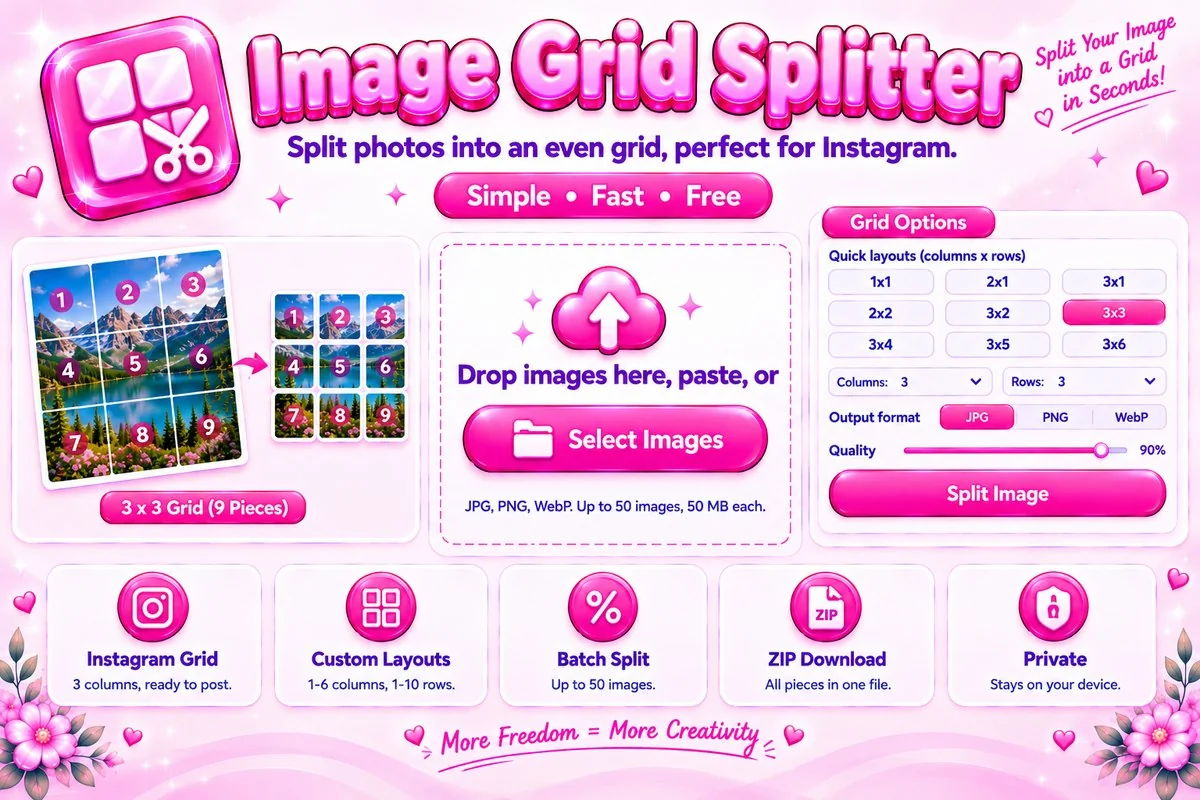
Split photos into an even grid of pieces, perfect for Instagram grid posts, free and in your browser.
Drop images here, paste, or
JPG, PNG and WebP, up to 50 images at a time (50 MB each).
Your Grid Pieces
Pieces are numbered left to right, top to bottom. For Instagram, post the highest number first and piece 1 last.
Split One Photo Into a Grid of Equal Pieces
This grid splitter cuts an image into equal rectangles that you can download one by one or all together in a ZIP file. The quick layouts are three columns wide, which matches the Instagram profile grid, so a 3×3 split gives nine pieces that join into one large picture. You can also choose up to six columns and ten rows for collages, puzzles, posters and printable tiles. Everything happens in your browser, so your images stay on your device.
How to Split an Image Into a Grid
Add images
Select, drag in or paste up to 50 images. Pick one in the list to preview it.
Choose a layout
Tap a quick layout or set columns and rows. The preview shows numbered cut lines.
Split and download
Press Split, then save single pieces or a ZIP. With several images, each gets its own folder.
Tips for Clean Results
- Start with a large image. A 3×3 grid looks sharpest when the original is at least 3000 pixels wide, because each piece keeps only a third of the width.
- Keep faces and text away from the cut lines so the split does not slice through important details.
- Choose PNG for graphics and text. Choose JPG or WebP for photos when you want smaller files, and lower the quality slider if a file is too heavy.
- If the width or height does not divide evenly, a few pixels are trimmed equally from opposite edges so every piece has the same size.
- Need a different crop first? Use the Image Cropper, then come back to split.
When a Grid Split Helps
It is popular for profile layouts, carousels that continue across slides, and panoramic photos that appear as one scene. It also suits print projects such as wall art made from separate sheets, and puzzles or classroom handouts cut from one picture.
Frequently Asked Questions
Is my image uploaded to a server?
No. The image is split locally in your browser, and nothing is uploaded anywhere.
How does the Instagram grid layout work?
Instagram shows three posts per row, so the quick layouts use three columns. A 3x3 split makes nine pieces. When you post them in the right order, they join into one large picture on your profile grid.
In what order should I post the pieces?
Pieces are numbered left to right, top to bottom. Post the highest number first and piece 1 last, because each new post appears at the top left and pushes older posts down.
Can I use a layout other than three columns?
Yes. Choose from one to six columns and one to ten rows, up to 60 pieces per image. This is handy for collages, puzzles and printable tiles.
Can I split several images at once?
Yes. Add up to 50 images, press Split, and every image is cut with the same layout. Download all of them in one ZIP, with a folder for each image.
Is this tool free?
Yes. It is free to use with no sign-up and no watermark, because all the work happens on your own device.