Combine or Split PDFs Without Leaving Your Browser
With this tool you can join several PDF files into a single document, or cut one PDF into smaller files. You decide the order, the pages and the size of each part. Everything is processed on your device, so contracts, invoices and scans are not uploaded to a server.
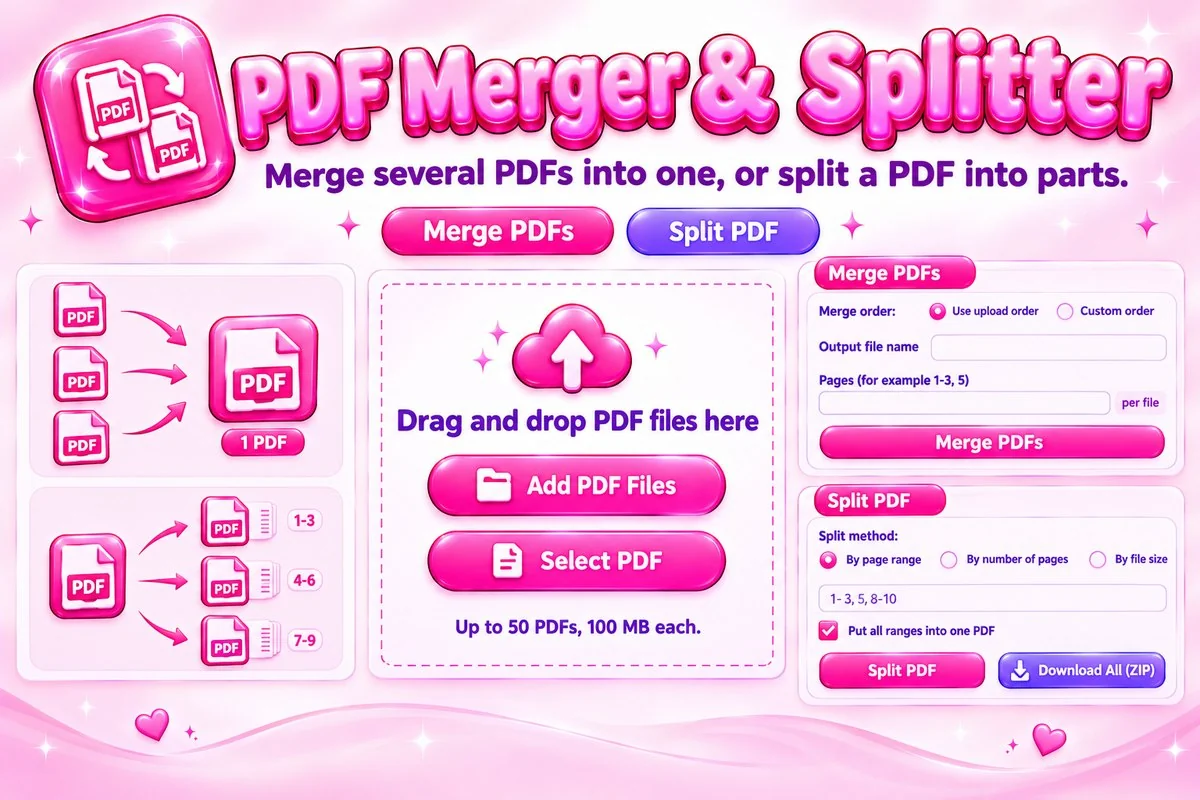
Merging lets you pick pages from each file before they are joined. Splitting works by page range, by a fixed number of pages or by a maximum file size, and the parts can be downloaded one by one or as a ZIP. Password-protected files must be unlocked first.
How to Merge or Split a PDF
- Add files. Select or drop your PDFs on the Merge or Split tab.
- Set the order or method. Drag files, or choose how to split.
- Run it. Press Merge PDFs or Split PDF.
- Download. Save the new PDF, or the parts as a ZIP.
Practical Tips
- Rename the output file before merging so it is easy to find later.
- Type pages next to a file, for example 2-4, to merge only part of it and skip cover pages.
- Use split by file size when an email service limits attachments. Choose a limit a little below the real limit.
- Use split by number of pages for chapters or batches, and page ranges when you know exactly which pages you need.
- Merging many large files needs memory. If the page slows down, merge in smaller groups.
When This Tool Helps
Merge a cover letter with attachments, combine scanned pages into one report, or send only the relevant pages of a long document. To shrink the result afterwards, try the PDF compressor, and to add text, shapes or page numbers use the PDF editor.
Frequently Asked Questions
Are my PDF files uploaded to a server?
No. Merging and splitting happen inside your browser, so your files never leave your device. The PDF library itself is loaded from a public script host the first time you add a file.
How many files and how large can they be?
You can merge up to 50 PDFs at once, and each file can be up to 100 MB. The splitter works on one PDF at a time, also up to 100 MB. Very large files need more memory, so older phones may be slower.
How do I control the order of a merge?
Choose Custom order, then drag files or use the arrow buttons. Use upload order keeps the files in the sequence you added them. You can also type pages such as 1-3, 5 next to a file to merge only those pages.
What are the ways to split a PDF?
Split by page range, such as 1-3, 5, 8-10, where each range becomes its own PDF or all ranges go into one PDF. Split every set number of pages, or split into parts that stay under a chosen file size.
Will the result look the same as the original?
Pages are copied as they are, so text, images and layout stay the same. Document-level extras such as bookmarks and some form features may not carry over, so check the result if you rely on them.
Why can't I use a password-protected PDF?
Protected files cannot be read here, and the tool tells you when it meets one. Remove the password in the program that created the PDF, then add the file again.